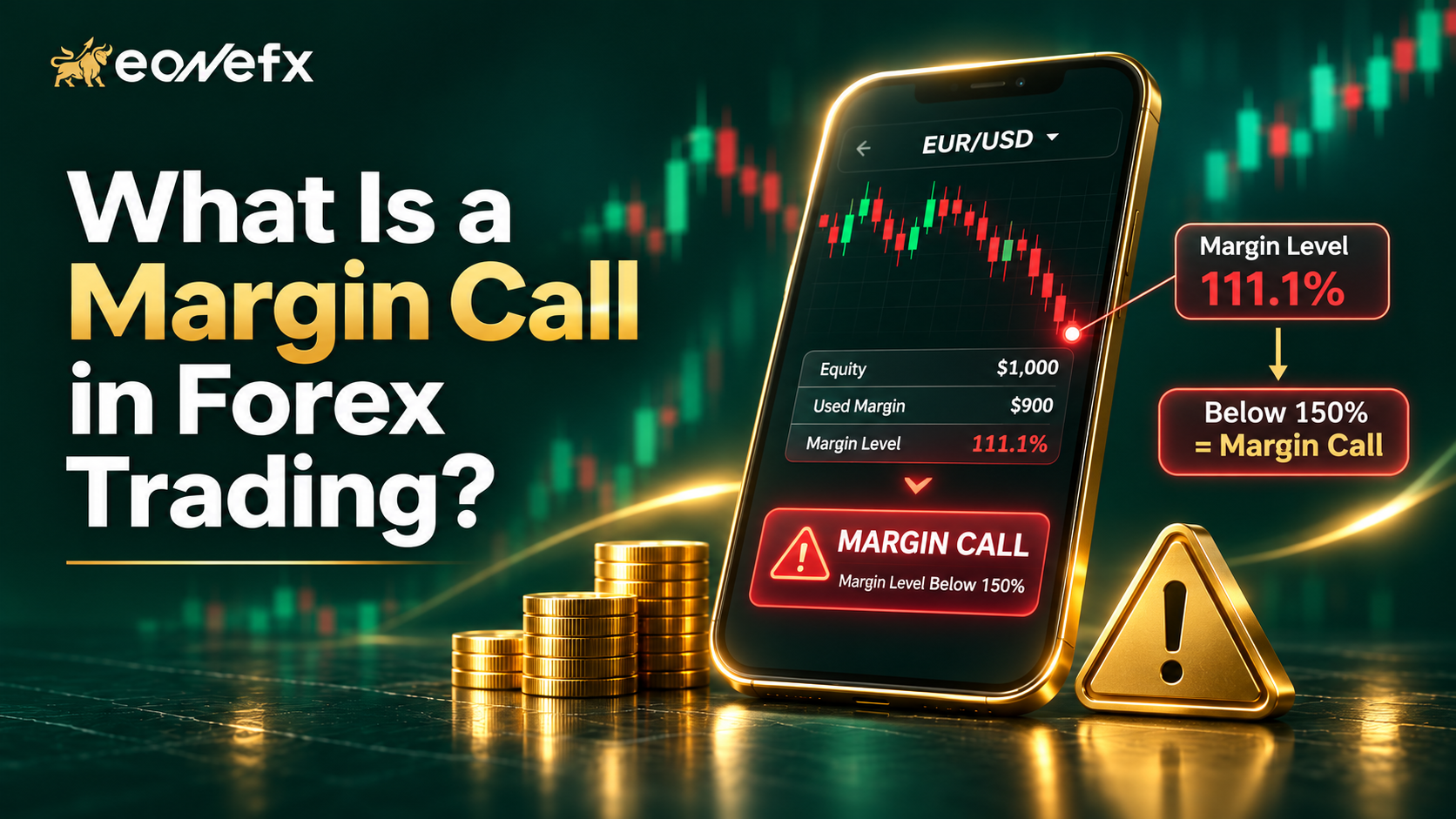
Imagine your trade is going the wrong way and a warning appears on your platform. That is often a margin call in forex. It feels scary the first time, but it is simple once you know the numbers.
This guide explains the forex margin call in plain language, with a worked example and clear steps to stay safe.
What Is a Margin Call in Forex?
- A margin call is a warning that your account equity is too low to support your open trades.
- It happens when your margin level falls to your broker’s margin call level.
- If losses continue, the broker may close trades automatically at the stop out level.
- You can avoid it with smaller lot sizes, stop losses and enough free margin.
Margin Call Meaning: Key Terms You Need
Before the example, learn these words:
- Margin: The money your broker sets aside to keep a leveraged trade open. It is not a fee.
- Equity: Your balance plus or minus your floating profit or loss.
- Free margin: Equity minus used margin. This is what you can still use to open trades.
- Margin level: (Equity ÷ Used margin) × 100. This is the number that matters most.
Forex margin call explained in one line: when margin level gets too low, you are close to running out of safety cushion.
How a Margin Call Works
When you trade with leverage, you control a large position with a small deposit. This magnifies profits and losses.
Your broker watches your margin level all the time. Many brokers set a margin call warning around 100% and a stop out level around 50%, but these numbers vary, so always check your account terms.
- Above the margin call level: Normal trading.
- At or below the margin call level: Warning. You may be unable to open new trades.
- At or below the stop out level: The platform starts closing losing positions automatically.
Margin Call Example (Step by Step)
Let us use simple numbers.
- Account balance: $1,000
- Leverage: 1:100
- Trade: Buy 0.5 lot EUR/USD at 1.0800
Step 1: Position size. 0.5 lot = 50,000 units. At 1.0800, that is about $54,000.
Step 2: Required margin. $54,000 ÷ 100 = $540.
Step 3: Starting margin level. $1,000 ÷ $540 × 100 = about 185%. Healthy.
Step 4: Price falls 100 pips. At 0.5 lot, each pip is about $5, so the loss is $500. Equity becomes $500.
Step 5: New margin level. $500 ÷ $540 × 100 = about 92.6%. This is below 100%, so a margin call warning appears.
Step 6: Stop out. If the stop out level is 50%, equity must fall to about $270. That means roughly $730 in total losses, or around 146 pips. The platform would then close the trade.
Notice something? A 0.5 lot trade on a $1,000 account used a lot of your cushion. A smaller size would have given much more room.
Margin Call vs Stop Out
- Margin call: A warning level. Your account is under pressure.
- Stop out: The forced closing level. Trades are closed to protect the account from negative balance.
Think of the margin call as the yellow light and the stop out as the red light.
Common Causes of a Margin Call
- Over-leveraging with large lot sizes
- Trading without a stop loss
- Opening many trades at once, which use up free margin
- Holding losing trades and hoping they will recover
- Trading during high-impact news with a thin account
How to Avoid a Margin Call in Forex: 7 Practical Tips
- Risk a small part of your account per trade. Many traders keep it around 1–2%.
- Always use a stop loss. Decide your exit before you enter.
- Use lower leverage. High leverage is a tool, not a target.
- Watch your margin level on the MT5 Trade tab, not just your profit.
- Keep free margin available. Do not use all your funds on one trade.
- Avoid overlapping positions in highly correlated pairs like EUR/USD and GBP/USD.
- Add funds or close trades early if your margin level is falling. Do not wait for stop out.
Benefits of Understanding Margin
- Better position sizing
- Fewer emotional decisions
- Longer account life
- More confidence using leverage
Risks to Keep in Mind
Leverage can make losses grow as fast as profits. Gaps and slippage can push your margin level down quickly. Margin trading is not suitable for everyone, so learn first with a demo account.
Expert Tips
- Use a position size calculator before every trade.
- Keep your margin level well above 300% when possible.
- Reduce size before big news, not after.
Frequently Asked Questions
1. What happens when you get a margin call in forex?
Your platform warns you that equity is low compared to used margin. You may be unable to open new trades. You can deposit funds, close positions or reduce size. If losses continue to the stop out level, positions may be closed automatically.
2. What is a good margin level in forex?
A higher margin level means more safety. Many traders try to stay above 300% or more. Below 100% is often the margin call zone, but exact levels depend on your broker, so check your account details.
3. Can you lose more than your deposit in a margin call?
In fast markets with large gaps, losses can exceed the account balance in some cases. Many brokers offer negative balance protection, but you should confirm this with your broker and use stop losses to limit risk.
4. How do I calculate margin level?
Use this formula: Margin level = (Equity ÷ Used margin) × 100. For example, if equity is $1,000 and used margin is $500, your margin level is 200%. Your trading platform shows this number automatically.
5. How can beginners avoid a margin call?
Start with small lot sizes, use stop losses, keep leverage moderate, and risk only 1–2% per trade. Practise on a demo account first, and monitor your margin level and free margin before opening any new position.
Conclusion
A margin call in forex is a warning, not a mystery. Learn the formula, size your trades carefully and always keep a safety cushion. Do that, and margin calls become rare.
Want to practise position sizing without risk? Try an eonefx demo account and watch your margin level move in real time on MT5.